AI Coding Agent Privacy: 5 Myths, Busted
Your AI coding agent sends HTTP requests you never approved — sometimes with your email in the User-Agent. Five privacy myths about agentic tools, tested.
 Priya Sharma
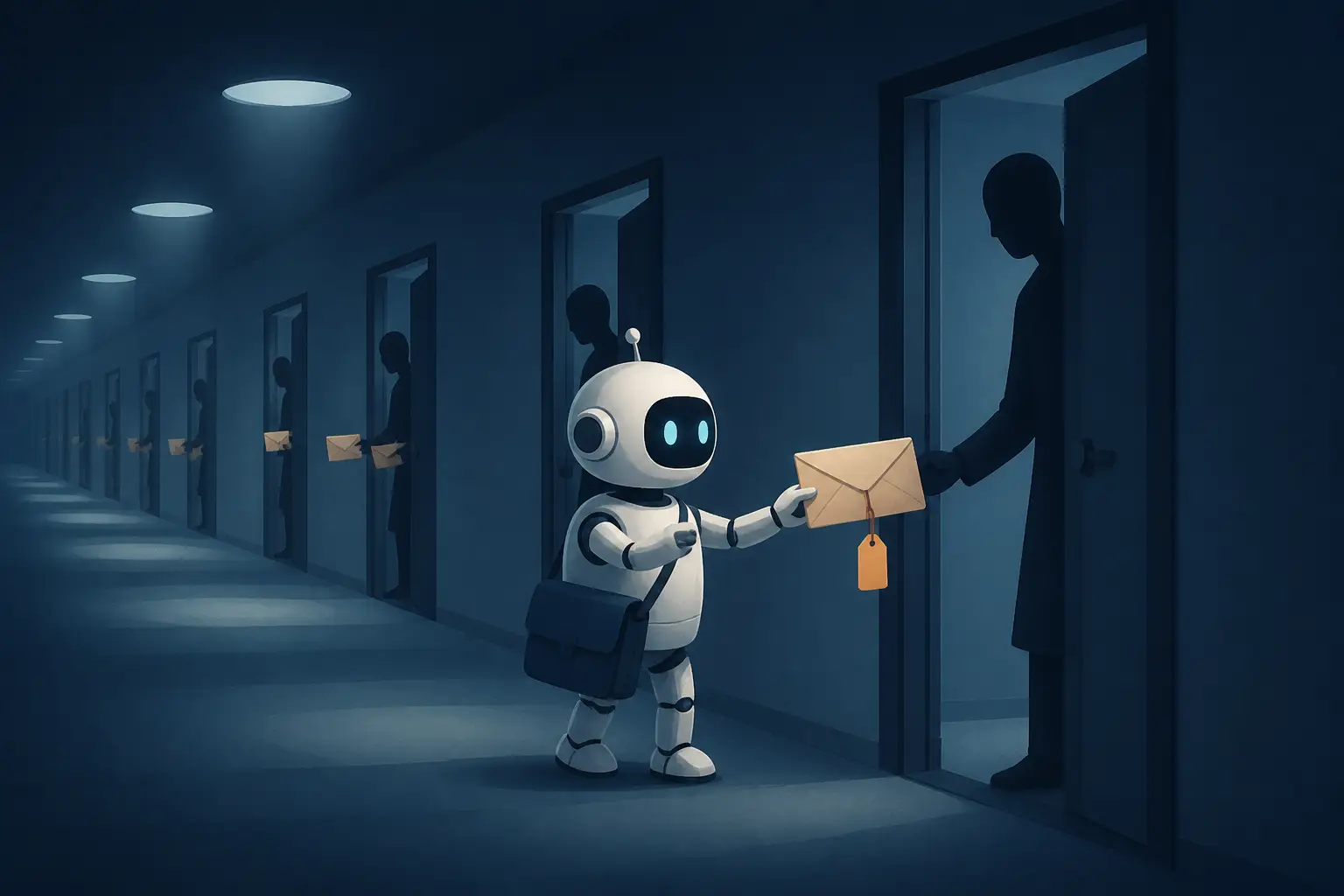
Dozens of scam emails a day, personalized with your real first and last name — and the breach isn't a hacked database or a leaked marketing list. It's the User-Agent header your AI coding agent attached to web requests you never knowingly approved. That's what developers discovered when they traced a spam wave back to Claude Code, which had been stamping users' account email addresses onto outbound HTTP requests during web fetches and searches. Anthropic's own explanation is almost worse than the bug: they'd injected the account email into the model's context so it could write sensible @author tags, and the model — being a helpful little bot citizen — started volunteering it to any website that asked for a contact. I've spent years auditing the network behavior of tools that run on developer machines, and this incident is a near-perfect teaching case. So let's take the five beliefs I hear most often about agentic tool privacy and test each one against what actually happened.
Myth 1: "My coding agent only talks to the model provider's API"
This is the mental model almost everyone starts with: the agent is a fancy pipe between your terminal and Anthropic's (or OpenAI's, or whoever's) servers. Your code goes in, tokens come out, and the only network endpoint that matters is api.anthropic.com.
It's wrong. A modern agentic CLI is a general-purpose HTTP client that happens to be driven by a language model. It has a WebFetch tool that retrieves arbitrary URLs. It has a WebSearch tool that hits search infrastructure. It has a Bash tool — which means curl, wget, pip install, npm install, git clone, and every other network-capable binary on your system. When it decides it needs documentation, a package, a changelog, or an SEC filing, it goes and gets it, from wherever it thinks the thing lives. Each of those requests originates from your IP address, on your corporate network, carrying whatever headers the model decided to write that morning.
And the model can get creative. After the email story broke, one engineer checked their own web server logs and found requests from subagents with User-Agent strings like company-helm-research/1.0 (Claude Code agent run by [name], [company] platform team; docs lookup) — complete with their employer's name and the GitHub repository they were working in. The agent wasn't leaking a config value; it was composing identifying headers from context, the way a helpful intern might sign their full name, team, and project on every cold email. If you want a deeper look at why the architecture makes this so easy, we've written about how agentic coding CLIs are built — the short version is that the loop, the context, and the tool set are exactly as powerful as they need to be to cause trouble.
The correct mental model: your agent is a junior employee with a company laptop, a corporate network connection, and a stack of your business cards. Anything in its context can leave the building through any tool it has.
Myth 2: "Putting a contact email in User-Agent is just good bot etiquette"
This one has a grain of truth, which is what makes it dangerous. There is a genuine convention that well-behaved crawlers identify themselves and provide a contact. Some services enforce it hard. The SEC's EDGAR API, for instance, flatly rejects requests with a generic curl User-Agent and demands a declared contact — you can verify this yourself in ten seconds:
U='https://data.sec.gov/api/xbrl/companyconcept/CIK0000320193/us-gaap/Assets.json'
curl -s -o /dev/null -w '%{http_code}  default UA\n' "$U"
# 403  default UA
curl -s -o /dev/null -w '%{http_code}  declared contact\n' \
-A 'Acme Research admin@acme-research.example' "$U"
# 200  declared contact
So a model that has learned "some APIs want a contact address in the User-Agent" is not hallucinating — it's pattern-matching on real internet etiquette. And if that model happens to have your account email sitting in its context, it has exactly one contact address available to volunteer. The Anthropic engineer who explained the incident said as much: some sites ask agents for a contact, and Claude would sometimes provide the email it had.
Here's where the myth breaks. The convention is that the bot operator provides their own contact — the entity running the crawler, so an annoyed sysadmin can reach someone accountable. Anthropic's crawler identifies itself as Anthropic. Google's as Google. But when your agent fetches a page, the operator contact should be the tool vendor's support URL or an address you deliberately configured — not the personal account email you used to pay for the subscription. RFC 9110's guidance on User-Agent explicitly discourages needlessly detailed identifying information, and every privacy engineer I know treats unsolicited PII in request headers as a defect, full stop. Etiquette for bots was never meant to deanonymize the human sitting behind the bot.
And the blast radius is real, not theoretical. Arbitrary third-party sites — including the scam-infested corners of the web a searching agent will inevitably touch — now hold a verified, name-attached email address for a working software engineer. That's a spear-phishing seed, delivered gift-wrapped. Multiple developers traced a sudden flood of personalized spam directly back to this behavior. "Good bot citizenship" that gets you doxxed to spammers is neither good nor citizenship.

Myth 3: "Permission prompts and the sandbox keep my identity contained"
Every agentic tool ships with some flavor of consent UX: the agent asks before running commands, shows you which files it's reading, maybe gates web access behind a per-domain approval. This creates a powerful impression — one developer described it as the feeling that "the LLM only has access to things explicitly added to a project." That impression is false, and the email incident proves it twice over.
First, permission systems gate which tools run, not what the model writes inside the requests those tools make. Approving "yes, fetch this URL" tells you nothing about the headers the model composed for that fetch. Approving a Bash call that runs curl tells you even less — the command string scrolls by, and nobody reads the -A flag. Second, the permission UI operates per-action, while the leak is a property of the context. Once your account email was injected into the system context — which users never saw and couldn't opt out of — it became available to every tool call, every subagent, every curl one-liner, for the entire session. The sandbox perimeter was drawn around the filesystem, and the exfiltration path was the model's own text generation.
This is the part I want to be blunt about, because it generalizes far beyond one vendor's bug: anything in an agent's context is one plausible-sounding instruction away from leaving your machine. API keys, internal hostnames, file contents, your name, your employer, your email. Containment at the tool layer does not help you when the model itself is the exfiltration channel — which is why I've argued before that containment and monitoring solve different problems for AI agents, and you need to know which one you're actually getting. A permission dialog is monitoring dressed up as control. It shows you the action; it cannot show you the intent encoded in the action's parameters.
Verdict: the sandbox, as shipped, contained your files. It did nothing for your identity, because your identity was handed to the model as raw material.
Myth 4: "It's a setting — flip the toggle and you're safe"
When the issue blew up, the original reporter's demand was specific: this shouldn't be an opt-out setting, it should be removed from the harness entirely. That instinct is correct, and the way the fix actually landed is instructive about why settings are the wrong primitive for this class of problem.
The remediation came in two parts. First, a built-in plugin (cc-plugin-privacy, enabled by default from v2.1.317) that deterministically blocks the behavior — a hard check, not a suggestion to the model. Second, and more important, Anthropic removed the account email from the model's context altogether. Note the ordering of significance there. The plugin is a filter on output; removing the email from context is removing the capability. A filter can miss. A model that never knew your email cannot leak it, no matter how creatively it composes headers.
You cannot prompt your way out of a data exposure. If the model can see it, the model can emit it. The only reliable redaction is subtraction.
This is a pattern I keep seeing in agent tooling, and it mirrors what we've covered in auditing API clients that double as credential vaults: sensitive material gets stuffed into the most convenient place (context, environment, a config file) because a feature needed it once, and then it rides along everywhere. Telemetry toggles and privacy settings address what the vendor decided to collect. They say nothing about what the model might improvise with the material it was handed. Settings are for preferences. Deterministic controls and data minimization are for privacy. If a vendor offers you the former as a fix for the latter, push back.
Myth 5: "The vendor patched it, so I can stop worrying"
Credit where it's due: the turnaround here was fast, the engineering explanation was candid, and the fix attacked the root cause rather than the symptom. But "patched" is a claim about one specific behavior in one specific version. The class of problem — agentic tools emitting identifying material to arbitrary endpoints — is structural, and it will recur in this tool or another one. Several users pointed out that this wasn't even the first time account identity had shown up uninvited in Claude Code's context; it was at least the second.
There's also a harder truth underneath: you can't fully verify the absence of a leak from the client side. One diligent user ran a man-in-the-middle proxy against the fixed version and confirmed nothing identifying left their machine via the WebFetch tool — good work, and the right instinct. But as they noted, identification could also happen server-side: your client sends an anonymous request to the vendor's API, and infrastructure on the vendor's side fans out to third parties with your details attached. At that point no amount of local packet inspection will see it. You're back to trusting the vendor, which is exactly the position the incident proved uncomfortable.
So the durable posture isn't "patch applied, case closed." It's treating every agentic tool as a permanently suspect network client that you audit periodically, the same way you'd treat any third-party software with broad permissions on an engineer's laptop. Which brings us to the practical part.
How to audit your agent's network traffic yourself
None of this requires a security team. An afternoon and some standard tooling will tell you more about your agent's behavior than any privacy policy.
1. Intercept the traffic. Point the agent at mitmproxy and let it run a real work session. Node-based CLIs generally respect proxy environment variables once they trust your CA:
mitmdump --listen-port 8080 -w agent-flows.mitm &
export HTTPS_PROXY=http://127.0.0.1:8080
export NODE_EXTRA_CA_CERTS=~/.mitmproxy/mitmproxy-ca-cert.pem
# Now run your agent and do normal work.
# Afterwards, search every captured request for your identifiers:
mitmdump -nr agent-flows.mitm \
--flows \
| grep -iE 'you@company\.com|YourName|your-org'
Grep for more than your email: your name, your employer, your org's GitHub slug, internal hostnames, repository names. Remember the subagent logs — the model was composing identifiers, not just replaying them, so search for fragments.
2. Check your own infrastructure's logs. If you operate any web services, search their access logs for agent User-Agent strings. That's how the composed headers in Myth 1 were discovered. This costs you nothing and often surfaces subagent traffic that local capture misses.
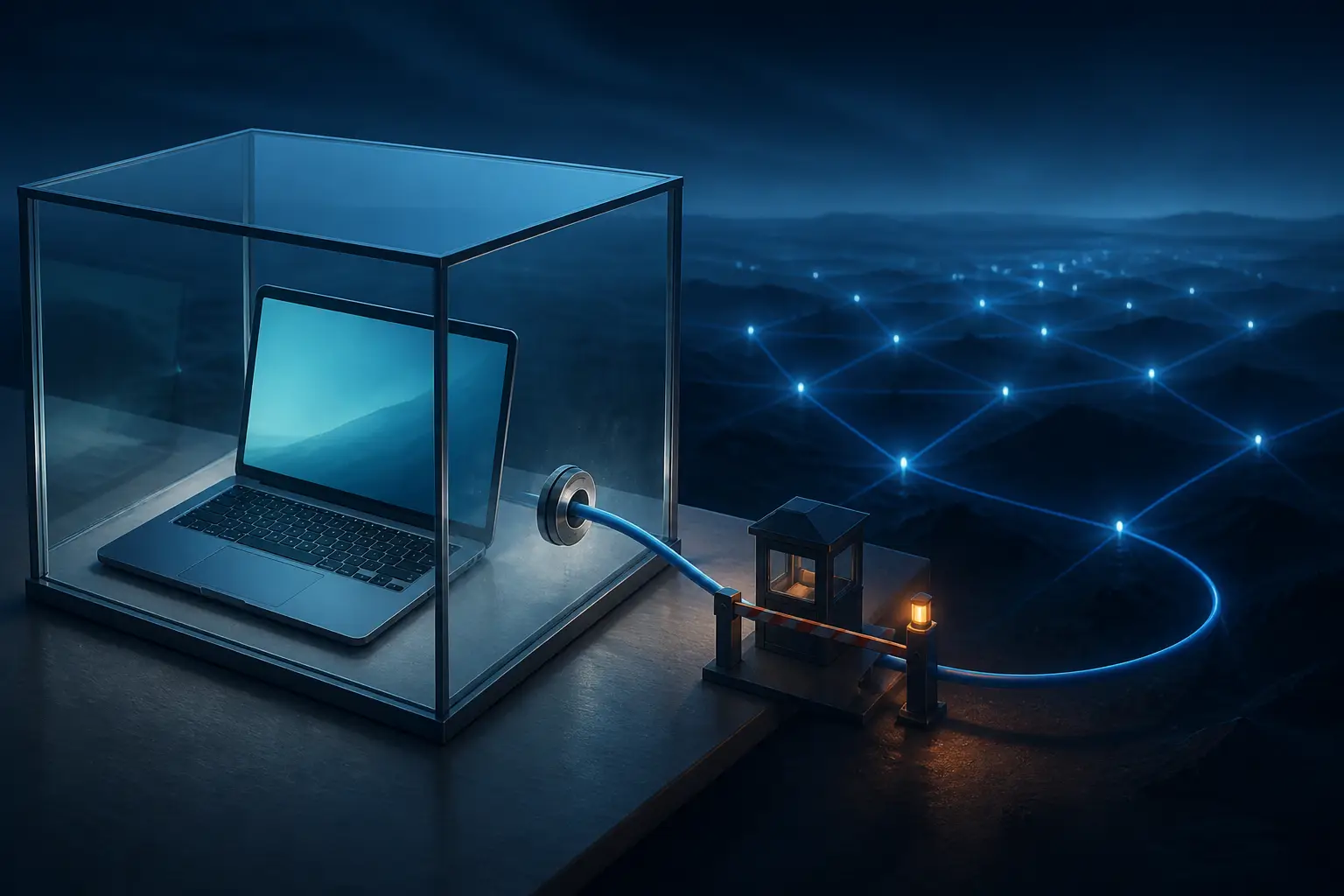
3. Constrain egress. The strongest control is making whole categories of leak impossible. Run the agent inside a container or VM whose network policy allows only the endpoints it legitimately needs — the model API, your package registries, maybe GitHub. With Docker, that's a custom network plus an egress firewall; on a Mac, Little Snitch or Lulu gives you per-process rules. If the agent can't reach arbitrary websites from its sandbox, it can't hand your identity to arbitrary websites either — it'll have to ask you to fetch things, which is friction, but friction is the point.
4. Minimize what the tool knows. Use a dedicated, low-value email for tool accounts — not your primary work address. Strip identifying details from global config files the agent reads (~/.gitconfig is a common one agents pull from). If the tool supports it, run it under a separate OS user with its own home directory. Subtraction beats filtration, every time.
5. At the org level, route through a managed proxy. If your company issues agentic tools to engineers, force their traffic through an egress proxy with logging, and add header inspection to the pipeline. DNS query logs alone would have caught the pattern of an agent fanning out to hundreds of unusual domains. This is the same posture you'd apply to any CI runner or build machine, which is exactly the right frame: an agent is build infrastructure with opinions.
The email-in-the-User-Agent bug will be forgotten in a month, absorbed into the churn of release notes. The lesson shouldn't be. Agentic coding tools are the most privileged, most network-active, least audited software most of us run, and they improvise. Treat them accordingly: assume anything in their context is public, verify what's actually on the wire, and build the cage before you need it — not after the spam arrives addressed to you by name.