uBlock Origin UXSS: Element Picker Security Lessons
The uBlock Origin element picker UXSS shows how DOM data crossing into a privileged extension context becomes universal XSS. Here's what to fix.
 Priya Sharma
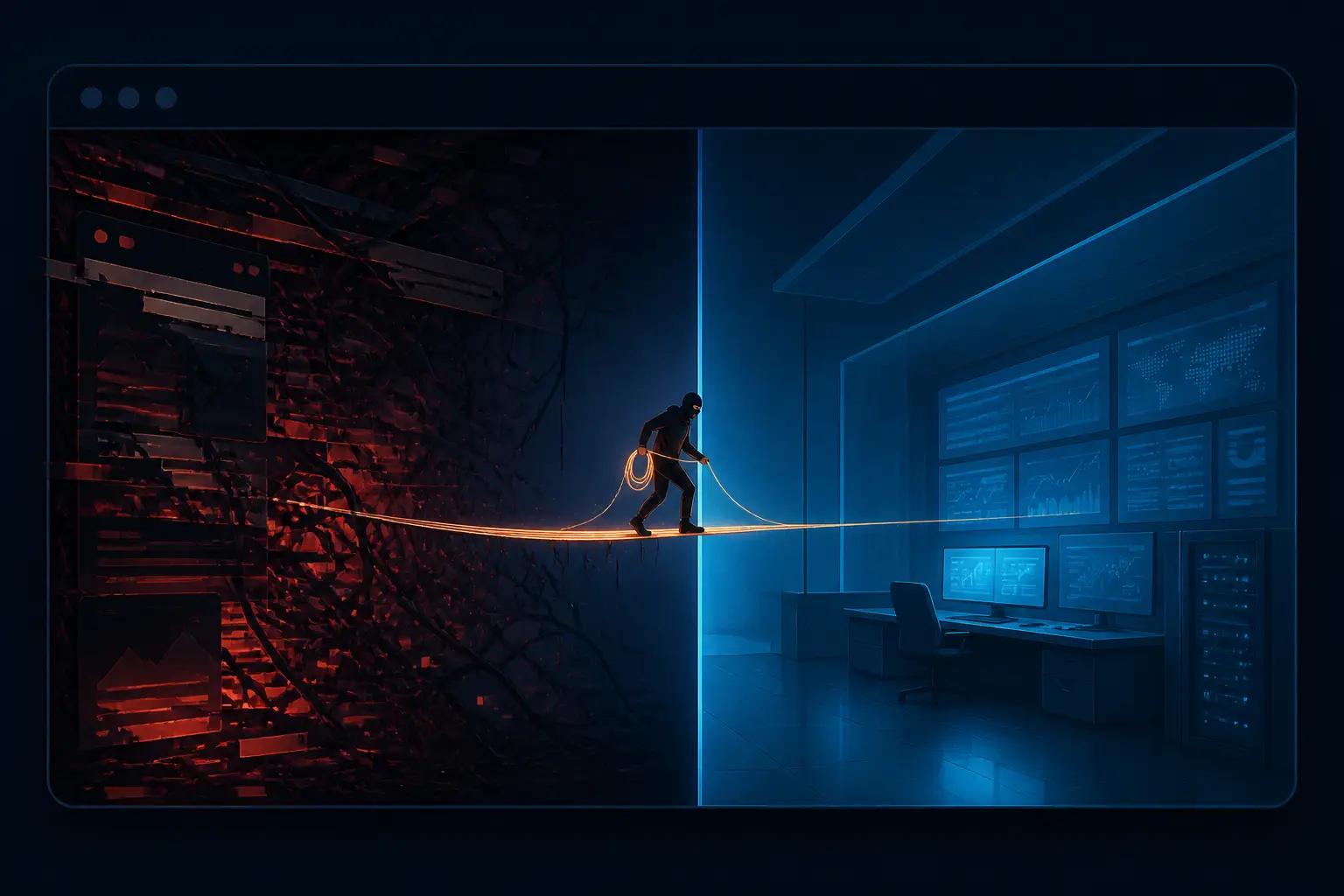
A malicious website just talked your ad blocker into injecting JavaScript into every site you visit. That's the short version of the universal XSS in uBlock Origin disclosed recently: a page you visit could drive the extension's element picker, slip a trusted filter past its validation, and end up running arbitrary script in the context of any origin it wanted. One click required. The bug is patched — uBlock Origin 1.75.4 and uBO Lite 2026.1110.1816, go check about:addons and force an update if you haven't — but the pattern behind it is one I've watched teams repeat for years. This isn't really a story about uBlock. It's a story about what happens when page-controlled data crosses into a privileged extension context, and why we keep getting that boundary wrong.
I've spent a chunk of my career reviewing extension code and the privilege boundaries around it, and this incident reads like a checklist of mistakes I keep signing off against. So let's walk through them as lessons — what practitioners get wrong, and the specific fixes that actually hold.
Lesson 1: Your Extension UI Lives in Hostile Territory
The element picker is a genuinely good UX idea. You right-click a page, point at the annoying element, and the extension builds a filter rule without you ever leaving the tab. To do that, uBlock Origin injects an iframe pointing at an extension page — moz-extension://<uuid>/web_accessible_resources/epicker-ui.html — straight into the website's DOM. That iframe is privileged: it can message the background script and ask it to write filters.
Here's the mistake practitioners make: they treat an iframe to an extension page as if it were a separate, trusted window. It isn't. Its parent is the hostile page. The hostile page can see it, resize it, set opacity: 0, position it under the user's cursor, and — critically — postMessage into it. Everything the parent frame can do to any iframe, it can do to your extension UI. If your extension page accepts messages from window.parent without verifying who's on the other end, you've built a remote control and handed it to every website the user visits.
This is the same trust confusion that bites password managers injecting autofill UIs into pages, and it's related to the trust problem we covered in the Cursor marketplace backdoor story: code and UI running inside a trusted tool inherit that tool's authority, and attackers know it. The fix mindset is simple to state and annoying to implement: any extension surface embedded in a page is a public API exposed to that page. Design it like one.
Lesson 2: Random UUIDs Are Not a Security Boundary
Firefox gives each extension install a random internal UUID, so the picker URL isn't guessable in advance. In theory that should stop a page from iframing it. In practice, the page extracted the UUID trivially. uBlock ships default filter rules that hook fetch and respond with a neutered dummy script fetched via XHR from a moz-extension:// URL. The attacker's page just hooked XMLHttpRequest.prototype.open first, triggered the filter rule with a request to /adsbygoogle.js, and read the UUID right out of the intercepted URL:
const origOpen = XMLHttpRequest.prototype.open;
XMLHttpRequest.prototype.open = function (method, url, ...args) {
const match = /^moz-extension:\/\/[^/]+/.exec(url);
if (match) {
// match[0] contains the extension's internal origin, UUID included
exfiltrate(match[0]);
}
return origOpen.call(this, method, url, ...args);
};
// Trigger a default uBO filter rule that makes an internal XHR
fetch('/adsbygoogle.js').catch(() => {});
The lesson: anything your content script does in the page's world — every XHR, every injected node, every fetch shim — is observable by the page. Content scripts in Firefox run in a sandboxed compartment, but the moment they touch the network stack or the DOM the page can watch. Per-installation randomness is obfuscation, and obfuscation buys you days, not security. I've reviewed designs where "the attacker can't know the URL" was the stated threat model. It never survives contact with a motivated attacker who can just instrument the runtime you share with them.
Lesson 3: postMessage Without Authentication Is an Open Socket
Once the attacker can iframe the picker, the rest is just protocol replay. The picker's UI listens for messages over a MessageChannel. The attacker creates their own channel, posts epickerStart, receives the handshake, then sends a showDialog message containing the filter they want plus a resultsetDetails message to enable the Create button. The picker can't tell the difference between these messages and the ones its own content script would send, because nothing authenticates them.
This is the core of the bug, and it's the most common extension security mistake I see in the wild. Developers check event.origin sometimes — rarely — but origin checks alone don't save you here because the parent frame is an arbitrary website by design. The actual fix the uBlock maintainers shipped is the right one: the content script generates a secret token, passes it to the picker through a channel the page can't observe, and the picker must present that token in its initial message. No token, no conversation. It's a capability, and it works because the page never sees it.
If you take one thing from this article, make it a rule for your own code: every privileged message handler gets an allowlist of senders and a shared secret or port that the untrusted side cannot fabricate. Passing a MessagePort from a trusted context is a clean way to do this — whoever holds the port is authorized, and ports can't be guessed. If you're handling window.onmessage in any extension page and acting on what arrives, audit it today.

Lesson 4: String Concatenation Is a Parser, and Parsers Get Exploited
Even with the picker under attacker control, there was one more obstacle: the picker restricts which filters you can create, and it doesn't let you add the powerful +js(...) scriptlet filters. So the attacker went looking for a field that got concatenated into the filter without sanitization, and found opt. That field is supposed to hold a request type like image, which gets appended to the filter as $image. The attacker supplied "image\ngoogle.com##+js(trusted-rpnt, ...)" — a newline embedded in the option value — and the concatenation produced two lines: an innocent filter and a brand-new trusted scriptlet filter for an arbitrary domain.
This is injection. Not the SQL kind we're all trained to spot, but the same species: untrusted input spliced into a structured format by string concatenation, with the structure itself subverted by a delimiter the code didn't expect. Filter lists are line-oriented, so a newline is a statement terminator. Whoever wrote that concatenation wasn't thinking of the filter list as a language with syntax — but it is one. Every structured string you build by concatenation is a parser waiting to be abused. The fix is boring and absolute: validate option values against a strict allowlist (/^(image|script|css|...)$/ style), and reject anything containing control characters. Never let a field that holds "a request type" hold a line break.
I've written before about how the gap between specification and implementation is where bugs breed. This is that gap in miniature. The spec said "opt is a request type." The implementation said "opt is a string we append." The attacker lived in the difference.
Lesson 5: Privilege Should Never Be Ambient
The final multiplier: filters created through the element picker were treated as trusted, and trusted filters may inject scriptlets. That makes sense from a UX view — the user themselves created this filter, so it's as trustworthy as the user. But the picker can't actually know the user created anything. It only knows a message arrived. Ambient authority strikes again: the privilege attached to the channel rather than to proof of user intent.
Add the last step — an invisible iframe with opacity: 0 positioned so the user's click lands on the hidden Create button — and you have a full clickjacking-to-UXSS chain. Classic clickjacking, modern payload. Every one of these techniques is twenty years old. The only new thing is the target.
- Untrusted UI surfaces: the picker iframe lives in the attacker's DOM, visible and messageable.
- Leaked identifiers: the per-install UUID fell out of an observable XHR.
- Unauthenticated messages: the picker accepted protocol messages from anyone.
- Injection via concatenation: a newline in an option field smuggled in a trusted filter.
- Ambient trust: picker-created filters inherited scriptlet privileges automatically.
- Clickjacking: one invisible click turned all of it into code execution on any site.
Break any single link and the chain fails. The maintainers broke several at once — token authentication on the picker, tighter validation — which is exactly how you should respond: not "which one fix closes the CVE," but "which fixes make this class of bug unbuildable."

Lesson 6: Browsers Handed Extensions a Bad Primitives Toolbox
I'll defend the uBlock maintainers on one point: the platform made this easy to get wrong. If an extension wants UI that interacts with page elements — a picker, an autofill bubble, a translation overlay — the only real option is to inject DOM into the hostile page and accept everything that comes with it: the page can observe it, restyle it, overlay it, and message it. Browser chrome UI would solve the whole category, but extension APIs offer almost nothing there. So every extension author re-implements the same dangerous pattern, and every few years one of them ships a UXSS.
Until browsers ship a sandboxed overlay primitive, the discipline has to come from us. Concretely, for any extension page that can be framed or messaged by a website:
- Authenticate every privileged message with a token or
MessagePortthe page can't obtain. - Validate structured fields against strict allowlists — reject newlines and control characters by default.
- Never build filters, queries, or commands by raw string concatenation with untrusted input.
- Attach privileges to proof of user intent (a real click in a trusted context), not to the channel a message arrived on.
- Treat every content-script side effect — XHRs, injected nodes — as observable by the page, because it is.
- Set
web_accessible_resourcesto the minimum, and preferdeclarativeNetRequest-style APIs where they can do the job without injecting UI.
What You Should Do Right Now
First, the practical bit. Open about:addons in Firefox, click the cog, and hit "Check for Updates" — auto-update lagged for a lot of people, and the vulnerable versions were still common when the advisory dropped. You want uBlock Origin 1.75.4 or later, or uBO Lite 2026.1110.1816 or later. If you run a uBlock fork like AdNauseam, check whether it has merged the fix; forks inherit both the features and the bugs.
Second, the professional bit. If you ship a browser extension, go read your message handlers this week. Not next quarter. The uBlock UXSS got found fast and disclosed responsibly — the researcher even used an LLM to do the initial hunting, which is a sign of where vulnerability discovery is heading, and a topic that deserves the same rigor we apply to disclosure deadlines. The bugs an LLM can find in a weekend are the bugs everyone finds eventually. The question is whether you find your own first.
Every privileged surface embedded in a hostile page is a public API. The only question is whether you designed it like one.
The element picker bug wasn't exotic. It was a leaked identifier, an unauthenticated message channel, a newline in a concatenated string, and a clickjacked button — four ordinary mistakes that composed into universal XSS. That's how real incidents work. They don't come from one spectacular failure; they come from small assumptions stacking up until an attacker can walk across them. Audit your boundaries, authenticate your channels, and stop trusting strings. The next extension with an element-picker-shaped hole in it is already installed on someone's machine.