Building a CAD Kernel in the Browser With Rust and WebGPU
Lessons from KetchUp: how Rust and WebGPU finally make a real CAD kernel in the browser viable — and the mistakes that killed earlier attempts.
 James Whitfield
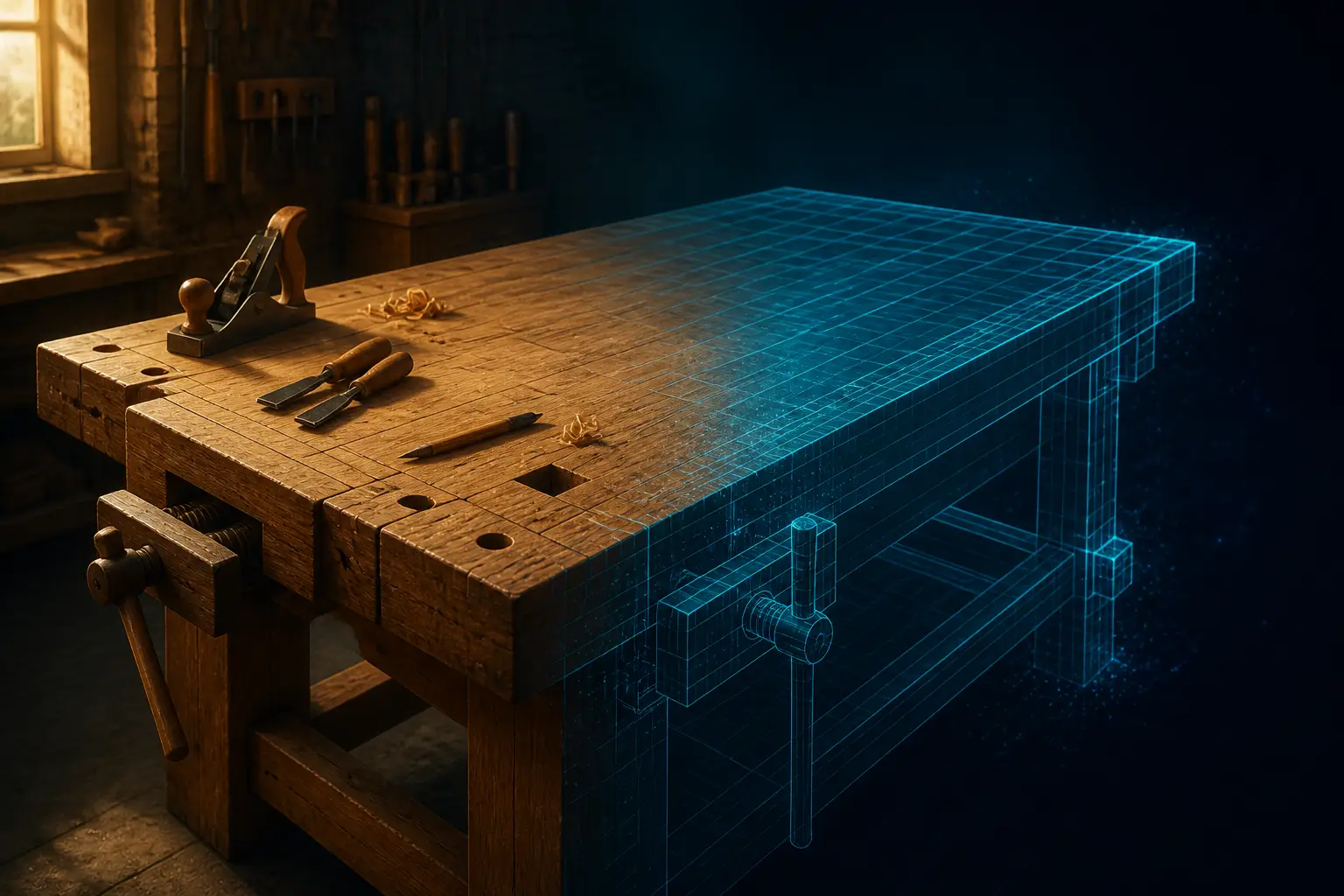
Something quietly remarkable happened this week: a CAD kernel in the browser stopped being a punchline. KetchUp — since renamed BenchUp, presumably to keep Trimble's trademark lawyers bored — is an open-source SketchUp-style modeler written in Rust, rendered with WebGPU, and it runs in a plain browser tab at a speed and polish that makes long-suffering SketchUp users audibly jealous. No account. No cloud. A .ketchup file downloads to your disk, and the whole thing is MIT-licensed.
I've watched people attempt "CAD on the web" for two decades, and almost every attempt died the same way: wrong runtime, wrong rendering API, wrong idea about what the hard part is. This project gets enough of those decisions right that it's worth treating as a case study. So here's the postmortem-in-reverse — the mistakes that sank earlier browser modelers, and the specific fixes that make this one feel like a native app.
Lesson 1: The Browser Was Never the Bottleneck — the Runtime Was
Every failed web CAD project I can think of made the same opening move: they wrote the geometry engine in JavaScript, hit a wall, and concluded the browser couldn't do it. The conclusion was wrong. The browser was fine. The runtime was the problem.
Think about what interactive modeling actually demands. You're dragging a face with Push/Pull, and every mouse move triggers a recomputation of the affected faces, edge inference, snap testing against every nearby vertex, and a re-upload of vertex buffers — sixty times a second. In JavaScript, the garbage collector owns your frame budget. It doesn't care that you're mid-drag. A few milliseconds of collection at the wrong moment reads to the user as lag, and lag in a modeling tool isn't an inconvenience; it breaks the mental loop between hand and shape. That's why the web version of SketchUp always felt, in the words of its own users, "slower and less capable" than the desktop build.
Rust compiled to WebAssembly removes that entire class of failure. You get linear memory you control, deterministic layout for your geometry buffers, and no collector lurking between frames. Crucially, it's not that Wasm is magically faster at everything — we've covered before that WebAssembly often loses to well-tuned JavaScript on string-heavy, DOM-adjacent work. But a geometry kernel is the opposite workload: tight loops over big flat arrays of f32. That's precisely where predictable memory wins and where JS's object model fights you hardest.
The fix, then, isn't "make the browser faster." It's "stop running a geometry engine on a runtime designed for documents." The browser is just the delivery mechanism. What runs inside it can be systems code.
Lesson 2: WebGPU vs WebGL for CAD Rendering — Know What You're Buying
The second mistake is subtler: assuming WebGL is sufficient because "a modeler is just triangles." Rendering shaded triangles is indeed the easy part. Everything around the triangles is where WebGL hurts you.
A little history, because it explains the API. WebGL is a direct descendant of OpenGL, which is a direct descendant of SGI's IRIS GL — a state machine designed in the late eighties for hardware that no longer exists. You program it by mutating global context state and hoping you set the right knobs before each draw call. It was a fine abstraction for 1992. For a CAD viewport, you constantly need things it makes awkward: GPU-side picking (which face is under the cursor?), tessellating faces with holes, computing screen-space line widths for edges, managing buffers that change every frame. You can do all of it in WebGL2, but you're bolting compute-shaped work onto an API with no compute shaders and implicit synchronization everywhere.
WebGPU fixes the model, not just the speed. Explicit pipelines instead of hidden global state. Storage buffers and compute shaders, so tessellation and picking can live on the GPU where the data already is. An error model that tells you what you did wrong instead of silently falling over. And — this is the part that matters strategically — the Rust wgpu crate implements that same API on top of Vulkan, Metal, and Direct3D. Write your renderer once against wgpu and it compiles to WebGPU in the browser and to native graphics on the desktop. That single decision is why BenchUp can ship Windows, macOS, Linux, and browser builds from one tree.
The honest caveat: WebGPU support isn't universal, and a serious tool needs a WebGL2 fallback path — BenchUp requires one or the other. But building for WebGPU first and degrading gracefully is the right order. The reverse order is how you end up architecturally trapped in 1992.
Lesson 3: The Geometry Kernel Is Not the Hard Part — Inference Is
Here's the mistake I find most interesting, because it's a failure of prioritization, not engineering. When developers set out to clone a modeler, they almost always start with the geometry kernel: boundary representations, Euler operators, boolean robustness. It's the most intellectually serious part, so it must come first. Right?
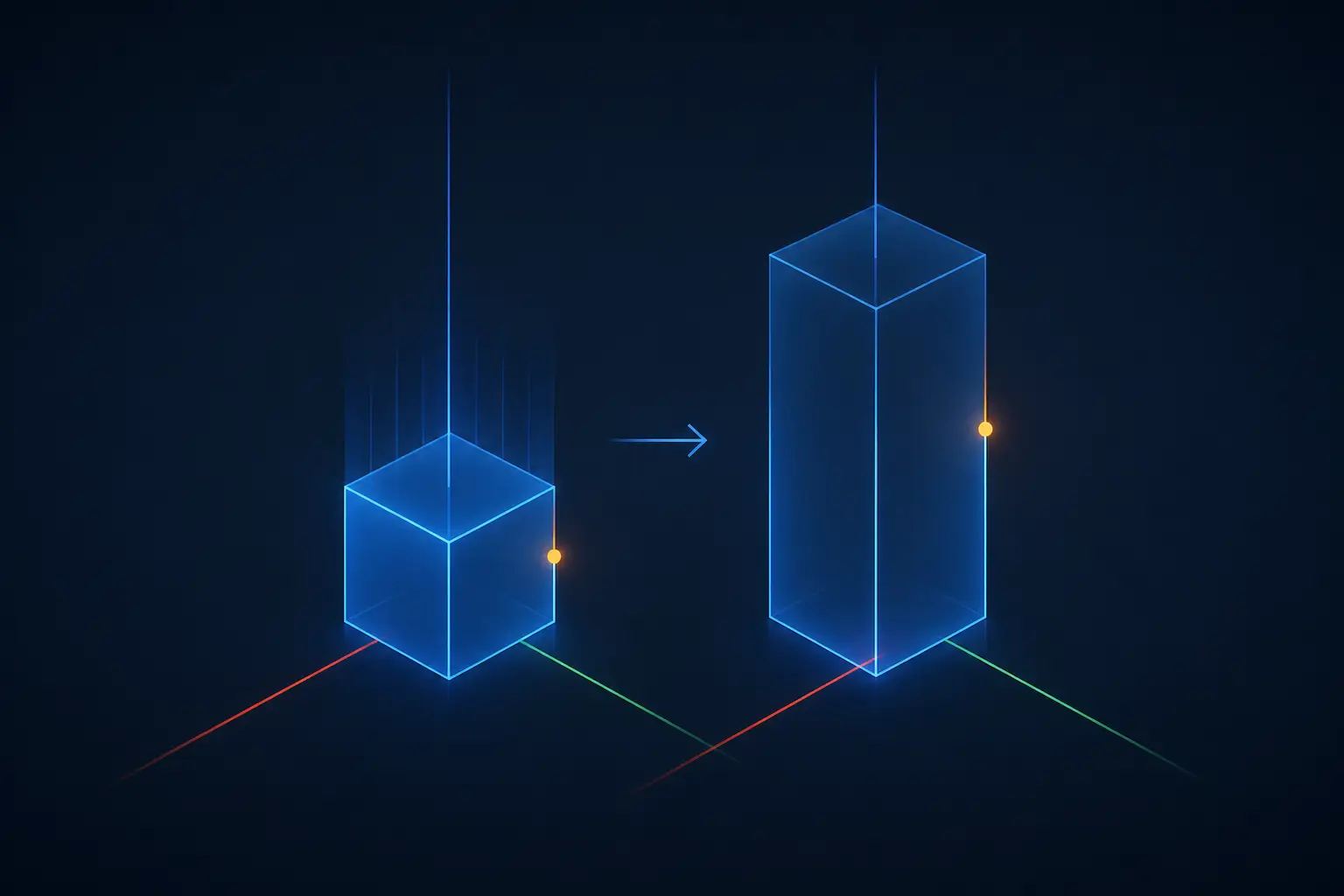
Wrong, and the history shows why. Solid modeling kernels are a solved, commodified problem stretching back decades — BRL-CAD was doing constructive solid geometry for the US Army in the late seventies, Parasolid and ACIS industrialized boundary representation in the eighties, and OpenCASCADE has been open source since 1999. If a powerful kernel were the product, one of the many OpenCASCADE-based modelers would have eaten SketchUp's lunch years ago. None did. Because SketchUp's genius, when @Last Software shipped it out of Boulder in 2000, wasn't geometric power. It was the inference engine: the way the cursor snaps to midpoints, locks to the red-green-blue axes, and guesses the plane you're drawing on. Users never type coordinates. The software meets the hand where it is.
SketchUp is, underneath, a gloriously simple surface modeler — faces and edges, no solids required. Push/Pull is just extruding a face and stitching the sides. The complexity lives in the interaction layer, which is where KetchUp clearly spent its effort. The snap logic looks something like this:
enum Inference {
AtVertex(VertexId),
Midpoint(EdgeId),
OnEdge(EdgeId),
OnAxis(Axis),   // the famous red / green / blue lock
OnFace(FaceId),
None,
}
fn infer(ray: Ray, model: &Model, last_point: Vec3, tol: f32) -> (Vec3, Inference) {
// Priority order matters more than cleverness:
// hard snaps beat soft snaps, every time.
if let Some(v) = model.nearest_vertex(ray, tol) {
return (v.pos, Inference::AtVertex(v.id));
}
if let Some((e, t)) = model.nearest_midpoint(ray, tol) {
return (e.point_at(t), Inference::Midpoint(e.id));
}
if let Some(p) = snap_to_axis(ray, last_point, tol) {
return (p, Inference::OnAxis(p.axis));
}
// Fall through to whatever face or plane the ray hits.
project_onto_surface(ray, model)
}
Nothing in that function is mathematically deep. The depth is in the priority ordering, the tolerance scaling with zoom, and the thirty micro-behaviors that make it feel psychic instead of jumpy. That's a thousand hours of tuning, not a thousand pages of kernel theory. If you're building a modeler, build the inference layer first and keep the geometry embarrassingly dumb until users demand more.
The inference engine is the product. The geometry kernel is plumbing. Clone the plumbing last.
Lesson 4: Don't Build a CAD UI Out of DOM Nodes
The fourth mistake is the React-shaped one. The default architecture for a "web app with a canvas" is a DOM application wrapped around a <canvas> element: toolbars as divs, panels as components, dialogs as portals. For a CRUD app that's fine. For a modeling tool, you've just stapled a layout engine that invalidates styles and reflows unpredictably onto the side of a renderer that needs every microsecond of its frame. Then you get to debug why your toolbar's hover state causes a dropped frame while orbiting.
KetchUp goes the other way: the entire UI is drawn on the GPU, and the DOM is reduced to a single canvas. This is the same architectural move the GPU-accelerated terminal emulators made — Alacritty and friends stopped asking the DOM to render text cell by cell and started treating the window as a texture. We saw how well that worked out in the modern terminal's glyph-atlas approach. The Rust ecosystem makes it nearly free: an immediate-mode GUI like egui compiles to Wasm, renders through wgpu, and gives you buttons, panels, and text without a single DOM node. One Hacker News commenter, surprised by how native it felt, specifically called out the text rendering. That's not a coincidence — text is where DOM-free UIs usually fall down, and getting it right is a sign the rendering stack is genuinely solid.
The trade-off is real, so name it: immediate-mode UI re-lays-out every frame, accessibility tooling assumes a DOM, and you give up the browser's built-in everything. For a tool surface with a few hundred widgets redrawn at 60fps, the recomputation cost is noise. The accessibility cost is the one that should keep you honest — but it's a cost to mitigate, not a reason to bring back the reflow storms.
Lesson 5: Local-First Files Beat Cloud Lock-In
Now the mistake that isn't technical at all. When Trimble acquired SketchUp from Google in 2012, the product slowly traveled the familiar road: the free desktop version (SketchUp Make) was discontinued, the free tier became a web app behind an account, and perpetual licenses were killed in favor of subscriptions costing hundreds per year. The resentment in the community isn't really about the money — hobbyists repeatedly say they'd happily pay a fair one-time price. It's about the terms. People have house models they spent years building, held in a format and a licensing regime that can be repriced out from under them. One commenter still runs the 2017 free build under WINE rather than accept the new deal. That's not nostalgia. That's a hostage negotiation.
KetchUp's fix is almost defiantly old-fashioned: autosave goes to browser storage on your device, File → Save downloads a portable .ketchup project file, SketchUp .skp geometry imports run locally, and OBJ export is there when you want out. There is no server. There is no account. The documentation even warns you, in plain language, that clearing browser data deletes your autosaves — which is the honest trade of local-first software, stated up front.
This is the part I want to underline, because it's the oldest lesson in the piece: the file format is the lock-in, and interoperability is the crowbar. Every successful challenger to an entrenched tool started by reading the incumbent's files — WordPerfect lost to Word's import filters, not to its feature list. SketchUp import matters more to KetchUp's adoption than any single modeling feature ever will. The OBJ export being geometry-only (no materials) is an acceptable wart; it signals the direction is outward, not inward.
Lesson 6: Write Once in Rust, Run Natively and on the Web
The final mistake is treating "the web version" as a separate product. Historically that's how it went: a native codebase in C++, and then a parallel web effort, years behind, forever lesser. Users could feel which one was the real product and which one was the demo.
The stack KetchUp sits on makes the distinction evaporate. Rust treats Wasm as a first-class target. wgpu speaks WebGPU in the browser and Vulkan/Metal/D3D on the desktop. egui runs in both places unchanged. The browser build and the native builds aren't cousins — they're the same program, compiled twice. I can't resist pointing out that this is the promise Java made in 1995 finally being kept, by a bytecode format with no garbage collector and no language ideology attached. WebAssembly succeeded as a compile target precisely because it never tried to be a platform you write in. The browser has quietly become a credible destination for native-grade code — we've seen it with statically recompiled console games running in tabs, and CAD is just the next genre to fall.

There's one more wrinkle worth sitting with. By all appearances, this project was built largely with AI coding assistance — the community clocked it immediately, and the response was mostly shrugs and praise. That fits a pattern several commenters named outright: we're entering an era where building your own tool is a realistic alternative to learning someone else's. A single motivated person, armed with Rust, wgpu, and an AI pair, can now reproduce the core loop of a product that a public company rents out for hundreds a year. Whether that era delights or alarms you probably depends on which side of the invoice you sit on.
KetchUp may or may not be the project that finally gives hobbyist modelers a permanent home — it's young, the geometry core is simple, and SketchUp diehards with huge models will find its ceiling fast. But as an existence proof, it's already done its job. The browser was never too weak for CAD. We were just building it wrong: wrong runtime, wrong API, wrong priorities, wrong business model. Fix those four things, and a $300-a-year subscription starts looking like a tax on inertia.